Oct 13, 2026
5 min read
- Open Source
- Python
- FastAPI
- Security
- React
- AI
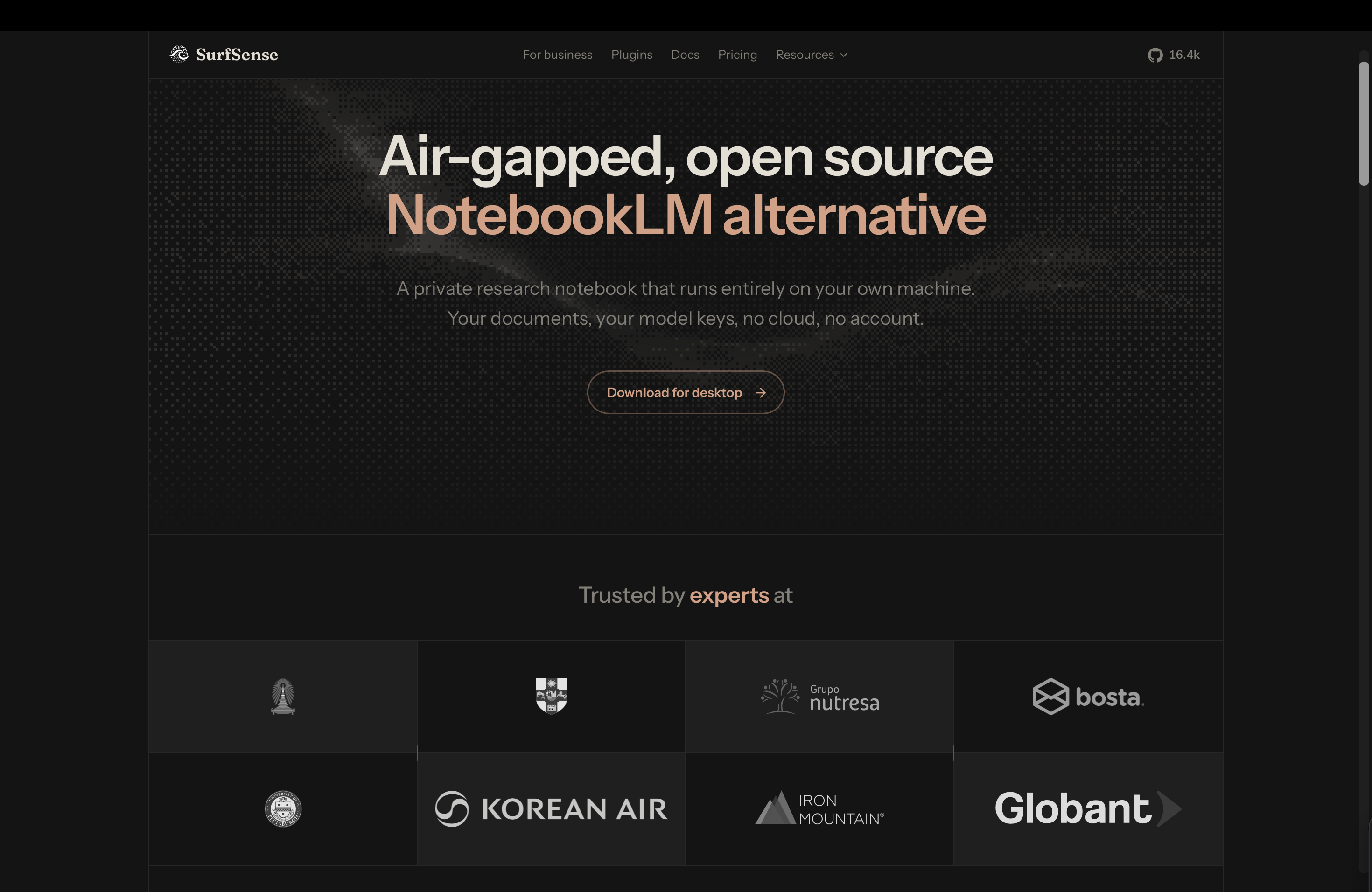
SurfSense lets you ask questions to your documents and get sourced answers — without anything leaving your computer. Why it matters, how I helped make it safer, and what I learned.
The project
In one sentence: SurfSense is a free desktop app that lets you "talk" to your documents — ask questions about them, get answers with sources, and turn them into new files — without anything leaving your computer.
You've probably seen tools where you upload PDFs and ask an AI "what does this contract say about termination?". They're useful, but your files go to someone else's servers. For a lawyer, a doctor, a researcher or a company with internal reports, that's often not allowed. SurfSense gives the same experience while everything stays on your machine: no account, no upload.
It reads PDF, Word, Excel, PowerPoint, images (with text recognition) and more; it answers with citations pointing to the exact passage; and it can write new documents, presentations or spreadsheets, or turn your sources into a podcast, a mind map, flashcards or a quiz. It runs on Windows, macOS and Linux and has more than 16,000 stars on GitHub.
What makes it innovative
- The AI works on your own computer. Your questions and documents are processed locally. You can still connect an online AI service if you want — but it's your choice.
- Nothing to install besides the app. No server, no account: your library lives in one file on your disk.
- Private by default. The app contacts no website until you say so, and sends no usage data.
- It creates, not just answers. It can write new documents, slides or spreadsheets from your sources — always as new files, never overwriting yours.
In short: my contribution and what I learned
My part: 25 of my 28 improvements were accepted. The most important ones protect users: the AI writes small programs to build slides and spreadsheets, and I made sure those programs run locked in a box where they can't see passwords or run forever. I also made sure the app asks before contacting a website the user never approved, fixed a case where renaming a document could be silently undone, and improved accessibility for people using screen readers.
What I took away: anything an AI produces after reading someone's documents should be treated with the same caution as an unknown file. And the safest rule is one the software makes impossible to forget.
The rest of this article goes into the technical details, for developers.
Under the hood
Electron supervising a local FastAPI API, Huey job queues, llama.cpp, stable-diffusion.cpp and audio.cpp for the models, and one SQLite file with FTS5 and sqlite-vec for search.
In detail: what I brought
My contribution in numbers: 28 pull requests, 25 merged (+5.3k / −0.7k lines), across the Python backend, the React frontend and the license portal.
Model-written code out of exec()
#2184 is the one I'm proudest of. Studio's PowerPoint and Excel generator ran Python written by an LLM that had just read the user's untrusted documents with exec(), inside the worker, with its privileges — and the timeout could not stop a runaway thread.
I routed it through the script runner that Word and PDF already used: its own process, an empty folder, one output path, an environment rebuilt without secrets. On timeout or cancel, the whole process tree is killed (a job object on Windows, a process group elsewhere). Tests start real child processes to prove a fake secret is invisible to the script and that an endless loop dies at a 1-second limit. The maintainer's verdict: "it makes things strictly safer".
Egress consent for hosts you didn't pick
A remote image endpoint can answer with a URL on some CDN, and SurfSense fetched it — sending the user's IP to a host they never allowed. In #2072 the image provider takes a required allow_url_host callback, awaited before any download, so no future call site can forget it. Refused hosts appear in Settings › Network.
A race between the worker and the user
Renaming a file while it was being ingested silently reverted the name: the worker held an old copy of the row and wrote it all back. The fix (#2148) writes only the columns the job produced:
update(Document)
  .where(Document.id == doc_id, Document.status != CANCELLED)
  .values(status=..., error_message=..., **produced)
A test that found a bug
The in-process ASGI transport can't simulate a client hanging up. I added a fixture serving the app on a real socket and a stub model server that stalls — and it revealed that Starlette cancels the save of a partial reply on disconnect. I filed it and pinned it with a strict xfail; it was fixed the next day.
Also: publisher sampling settings per model, Anthropic with only an API key, revoking ChatGPT tokens on sign-out, Stripe refunds that suspended every licence of a customer, a screen-reader announcement when a reply finishes, and Studio state moved to TanStack Query.
Technical lessons
- Treat LLM output as untrusted input. Code a model writes after reading user documents is as dangerous as the documents themselves. It belongs in a sandbox, not in
exec(). - Make the safe path the only path. A required callback in a function signature is stronger than a guideline: the compiler, not the reviewer, catches the next call site that forgets it.
- Fix at the cause. The rename bug could have been patched in the UI. Writing only the columns a job owns fixed the whole class of lost updates.
- Realistic tests find real bugs. A real socket exposed something no in-memory test could. When a scenario seems untestable, build the harness — it often pays twice.
- Docs-driven teams are easy to join. Architecture docs and a "known gaps" list told me where to start and what "done" meant. Review rounds were demanding, and each one made the fix better.